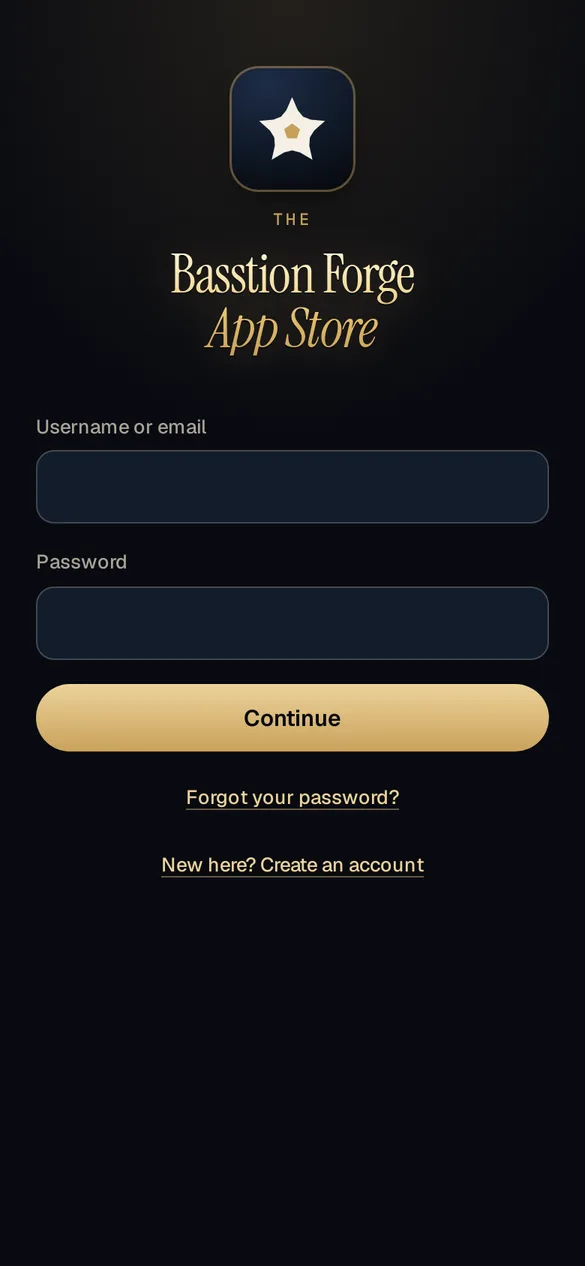
A proper front door
Username and password, then a six-digit code by email. A trusted phone can skip the code for 30 days.


The Forge's own app store, and how we ship apps to clients. Publish a build from a phone, send one invite link, and your client signs in to find their app on iPhone, Android or the web.
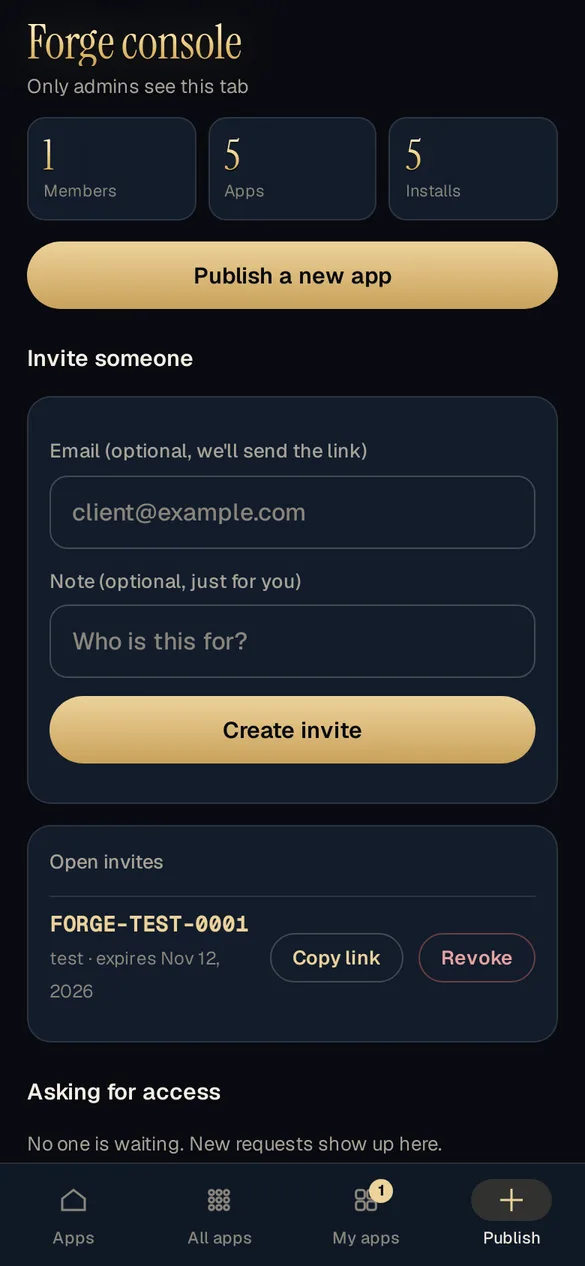
The Forge console lives right inside the store, visible only to the studio. Publish a new app or version, invite a client with one link and answer access requests without opening a laptop. The moment a build is published, it is on their shelf.
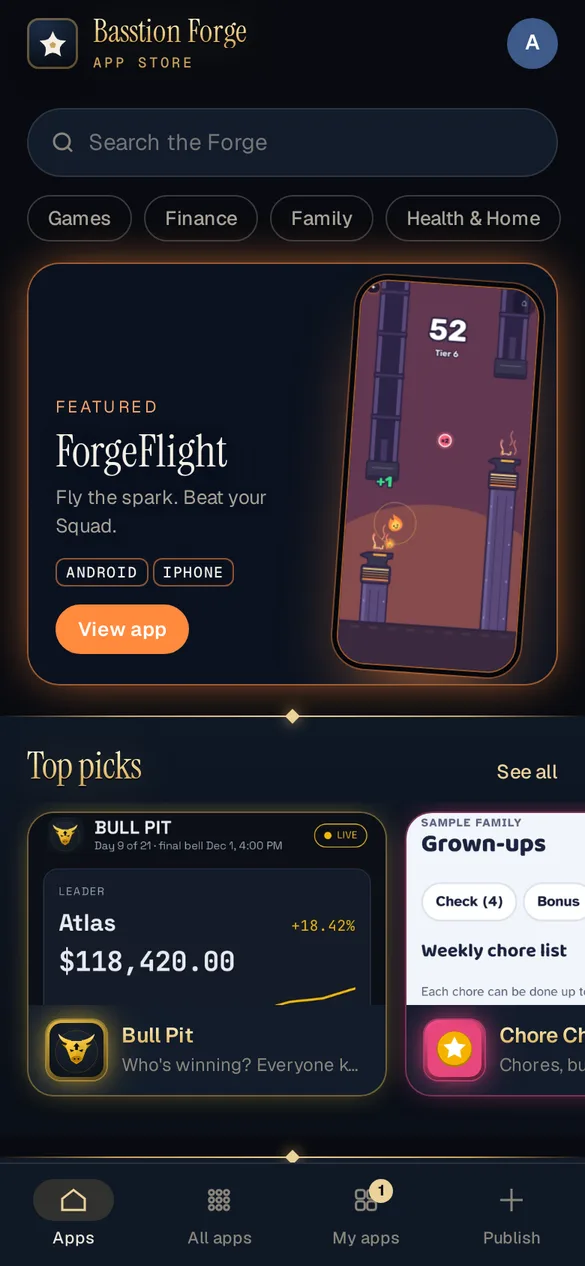
A featured banner, categories, search and top picks, each tile wearing its app's own colors. Add it to a home screen and it opens full screen like any other app.
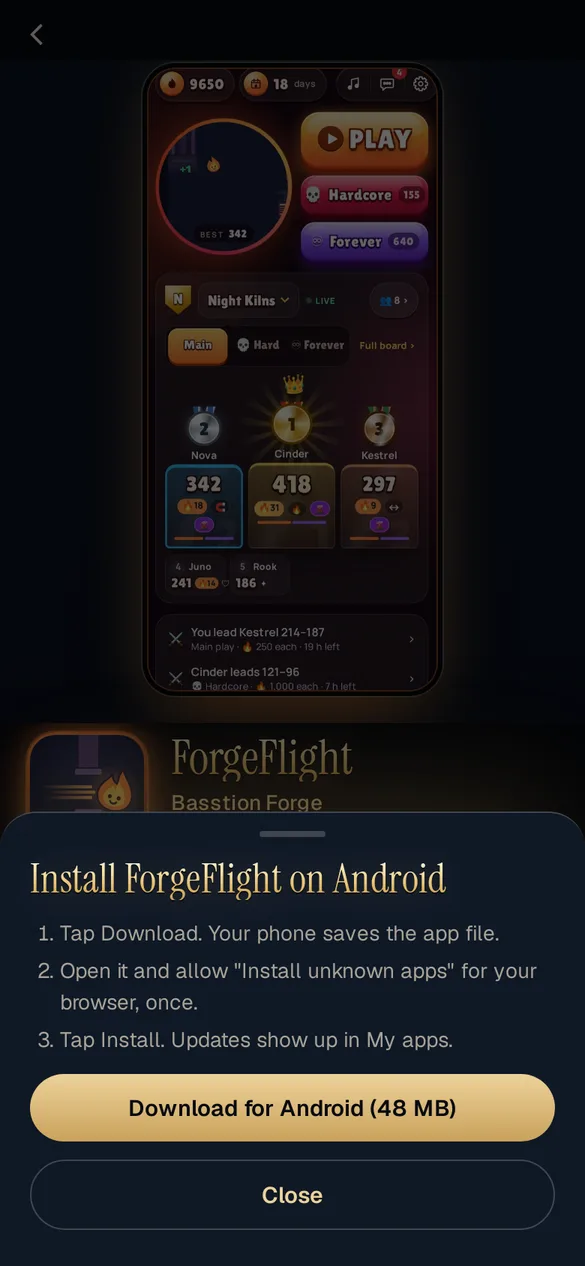
Every listing shows exactly which way in fits your phone. Android gets a short guide before the download, iPhone goes through Apple's test app, and web apps simply open. Updates land in My apps.
Captured from the store itself, running on sample data.
Username and password, then a six-digit code by email. A trusted phone can skip the code for 30 days.
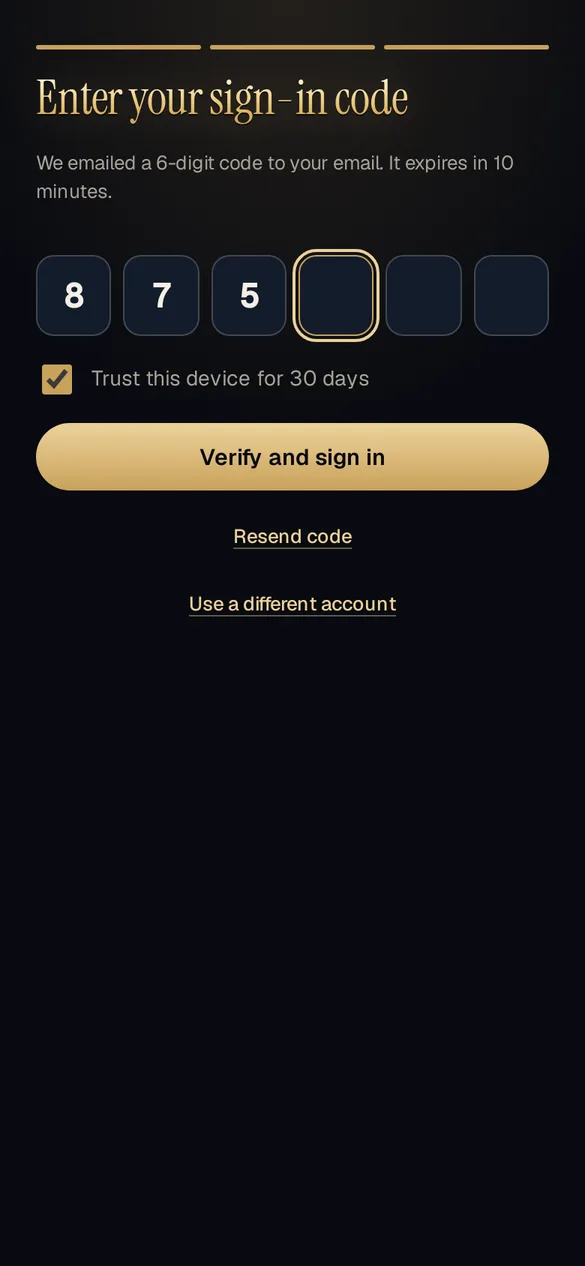
Each box jumps to the next, and the code submits the moment it is complete.
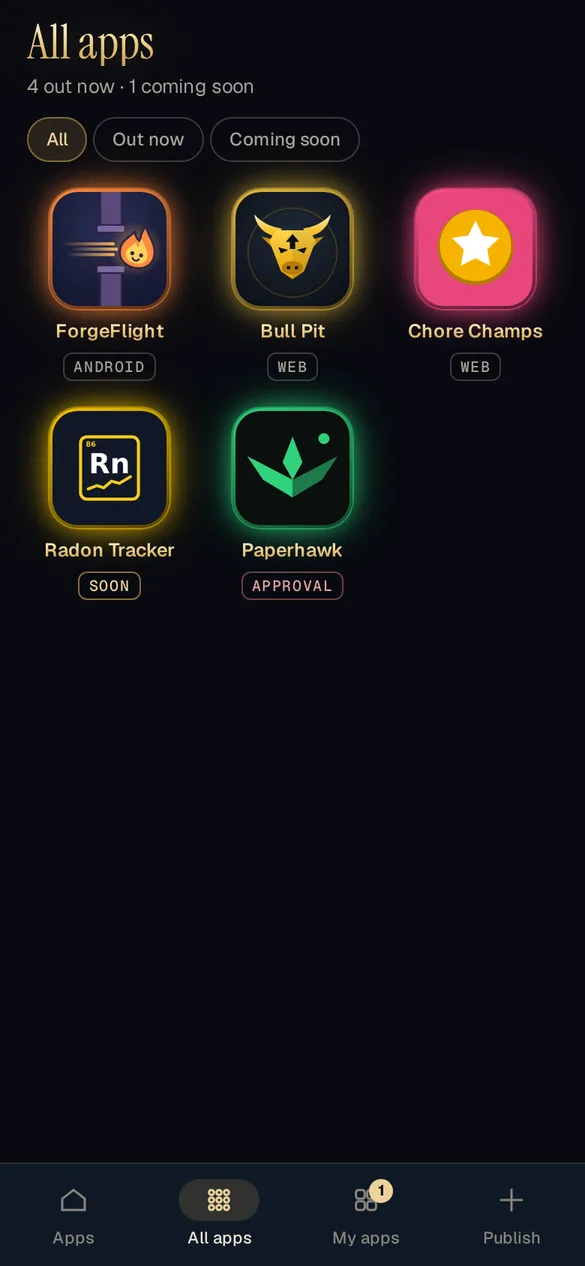
Every app with the platforms it runs on, filtered by out now or coming soon.
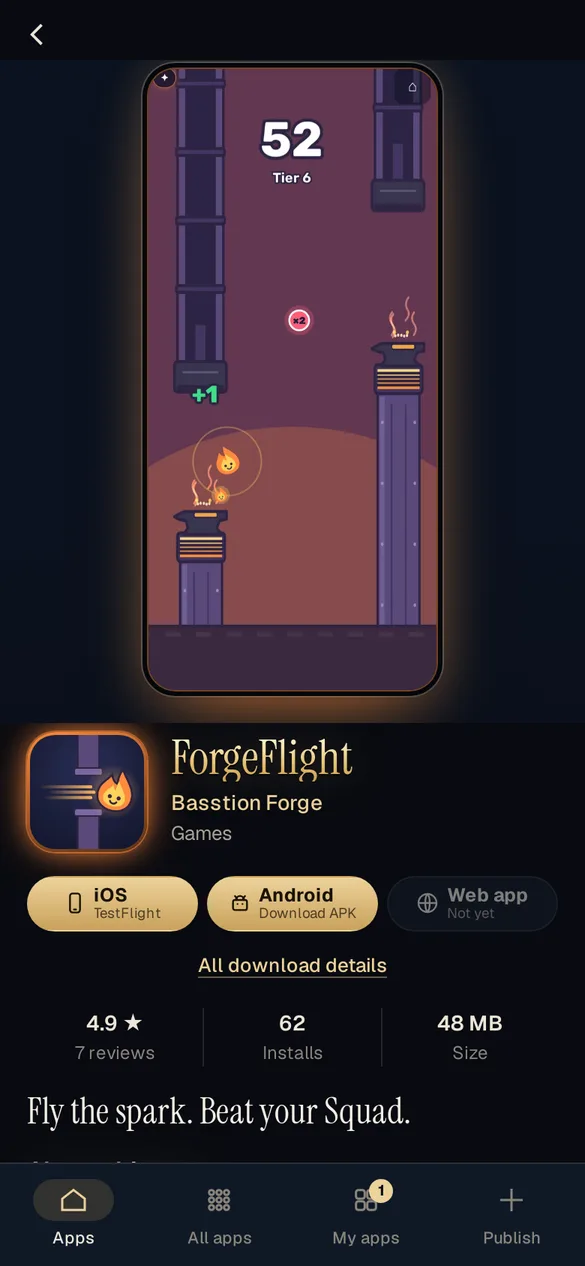
Screenshots, ratings, size and what's new, with a button for each way to install.
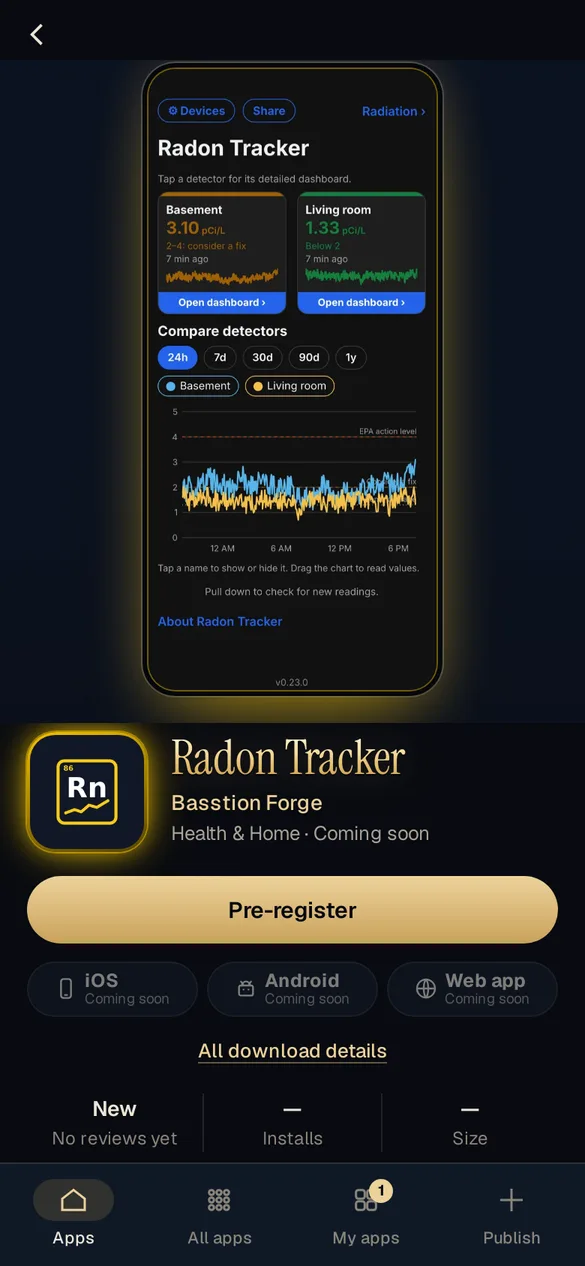
Apps still in the works get a listing early, so friends hear the moment they ship.
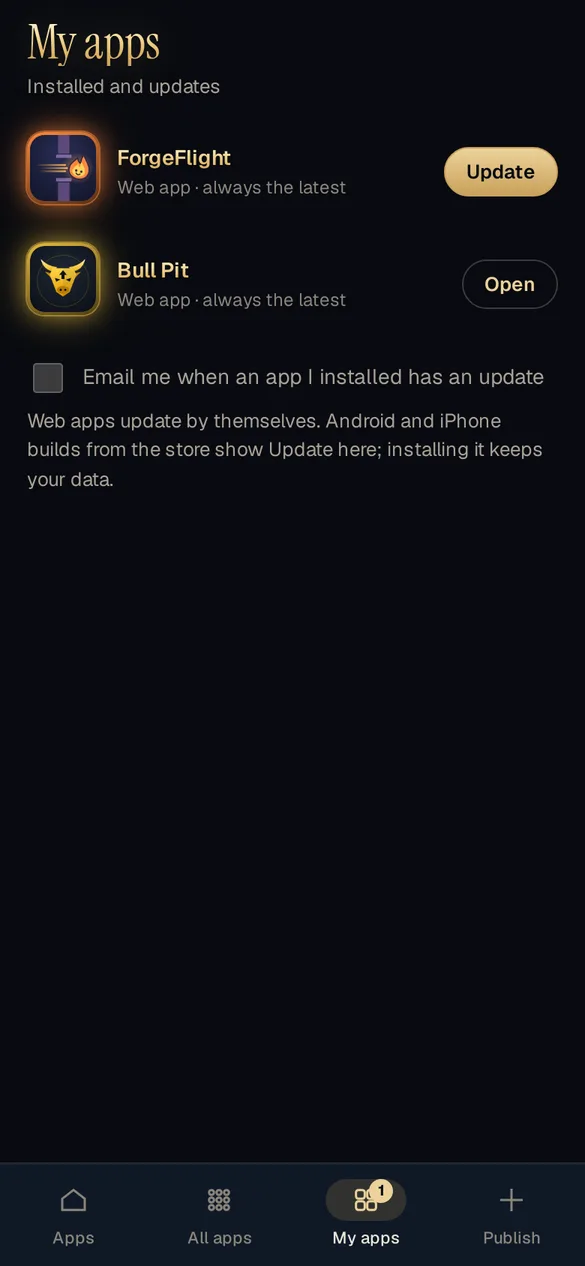
Installed apps with an Update button when a new build lands, and an email if you want one.
Designed first as a full mockup, then built screen by screen to match it.
Every screen mocked up in the Forge's ink and brass before any code.
Sign-up, email check and a code on every new device.
Home, categories, search and a listing page for every app.
Web apps, Android downloads and iPhone test builds, each with its own guide.
Publishing, invites and access requests, all from a phone.
Each app's banner wears its own colors and type.
Every new Basstion Forge app ships here first, Chore Champs included.
Screens show the store's sample data; names and numbers are made up.
Clients, testers or a whole team, one link and every build in one place. Tell us what you are shipping.