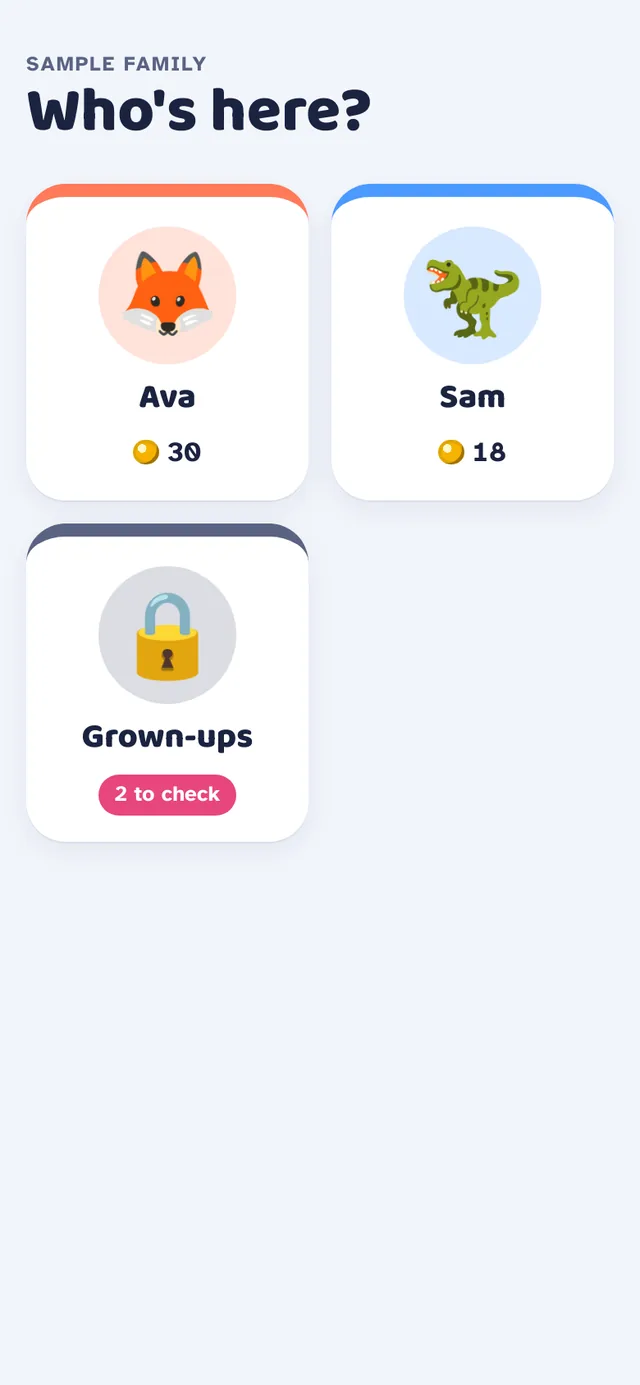
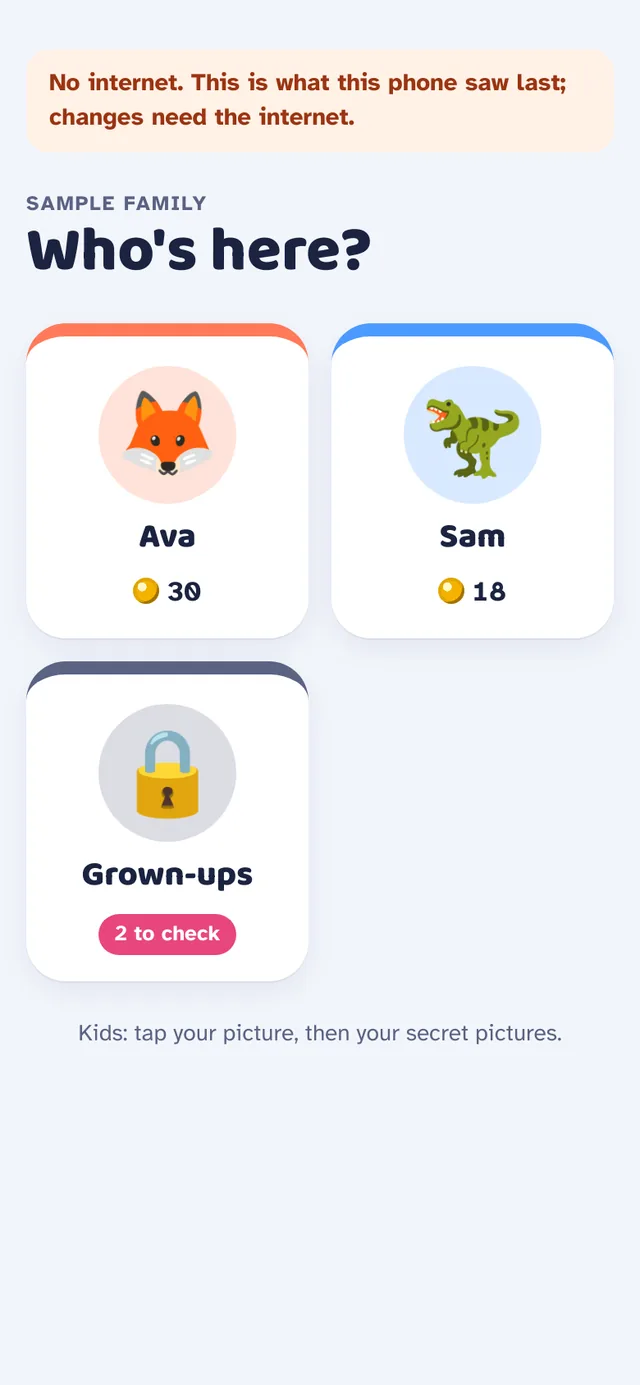
Who's here?
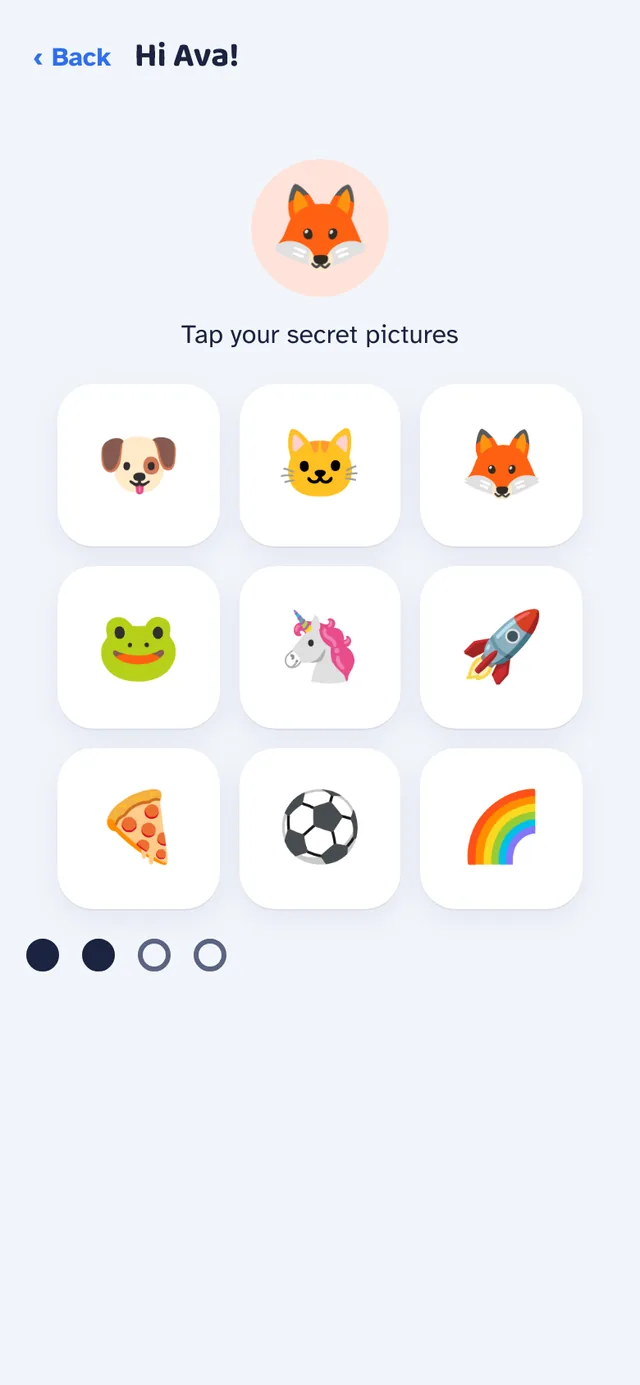
Every kid has a colored tile with their credits. Kids sign in by tapping secret pictures.

A family asked for a chore chart their kids would actually use. Chore Champs is the result: kids tap Done, a grown-up approves, and credits land in their wallet for rewards, savings and streaks.
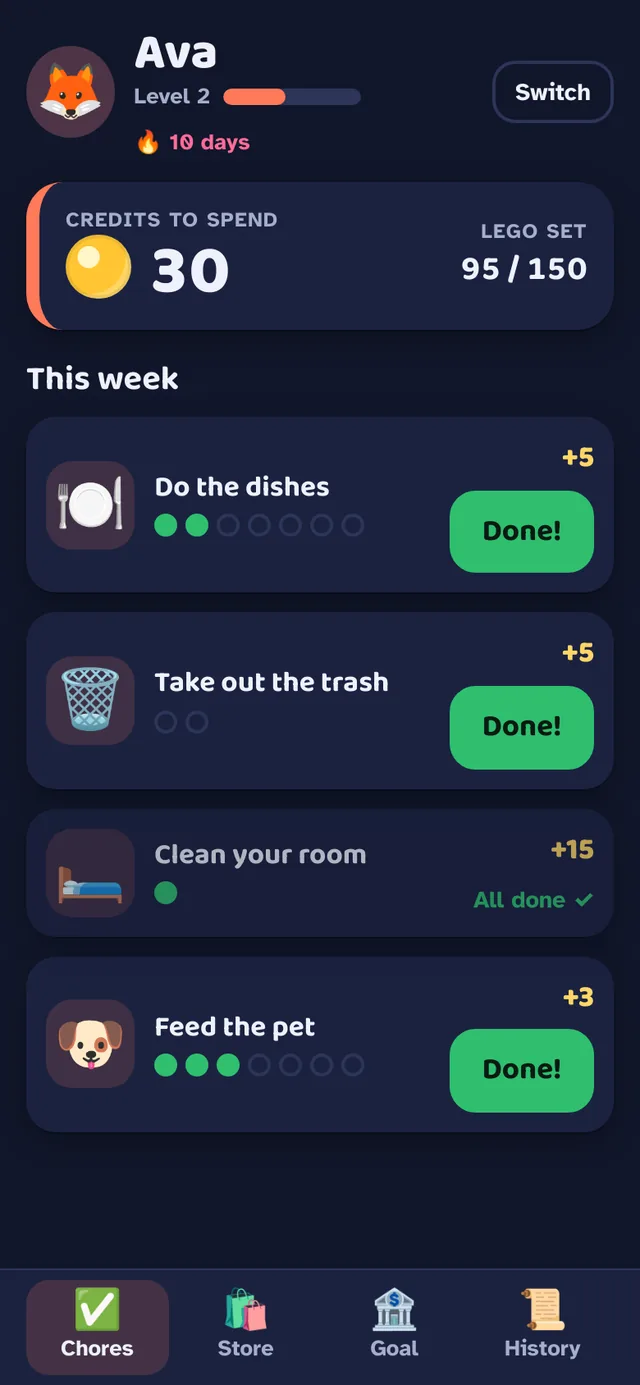
Ava finishes two chores and the screen bursts. A grown-up unlocks with a PIN, taps Approve all, and her credits climb from 30 to 38 while her streak hits 11 days.
Ava asks for 30 minutes of games. The 25 credits go on hold until a grown-up says Yes, so nobody spends what they don't have.
The real app, with its built-in sample family. Works on one shared tablet or every phone in the house, even offline.
Every kid has a colored tile with their credits. Kids sign in by tapping secret pictures.
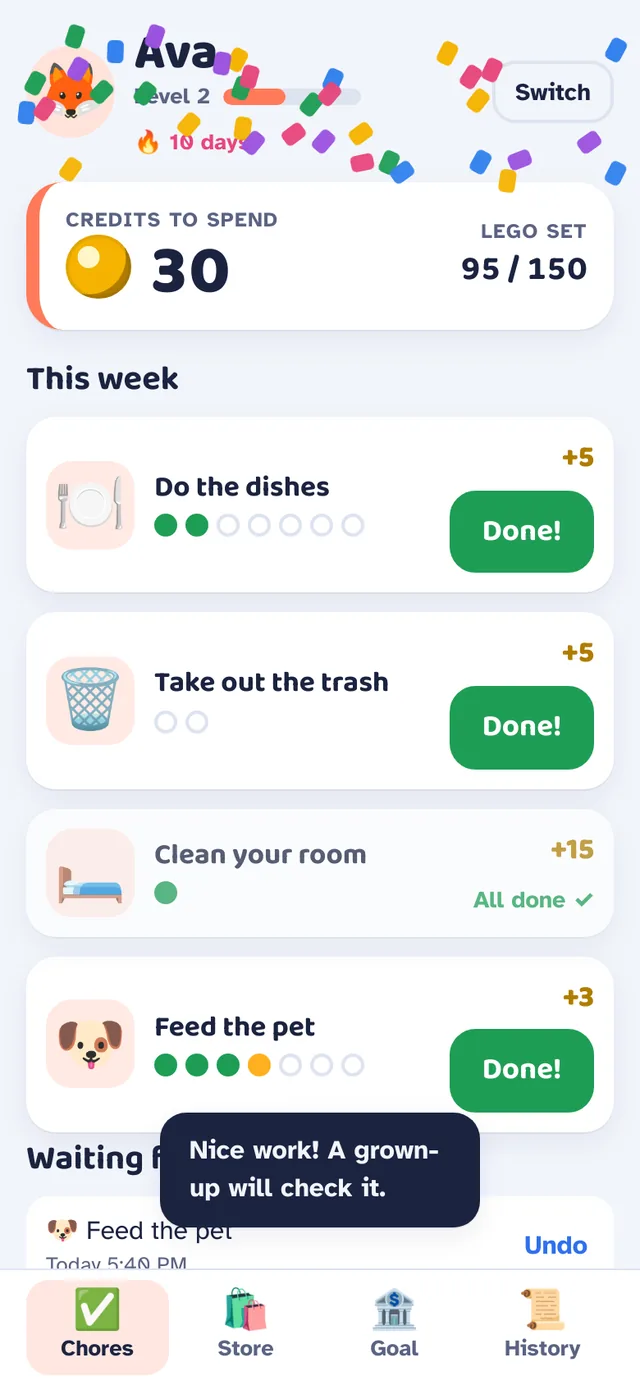
Every finished chore gets a celebration, then waits for a grown-up so credits always mean it was really done.
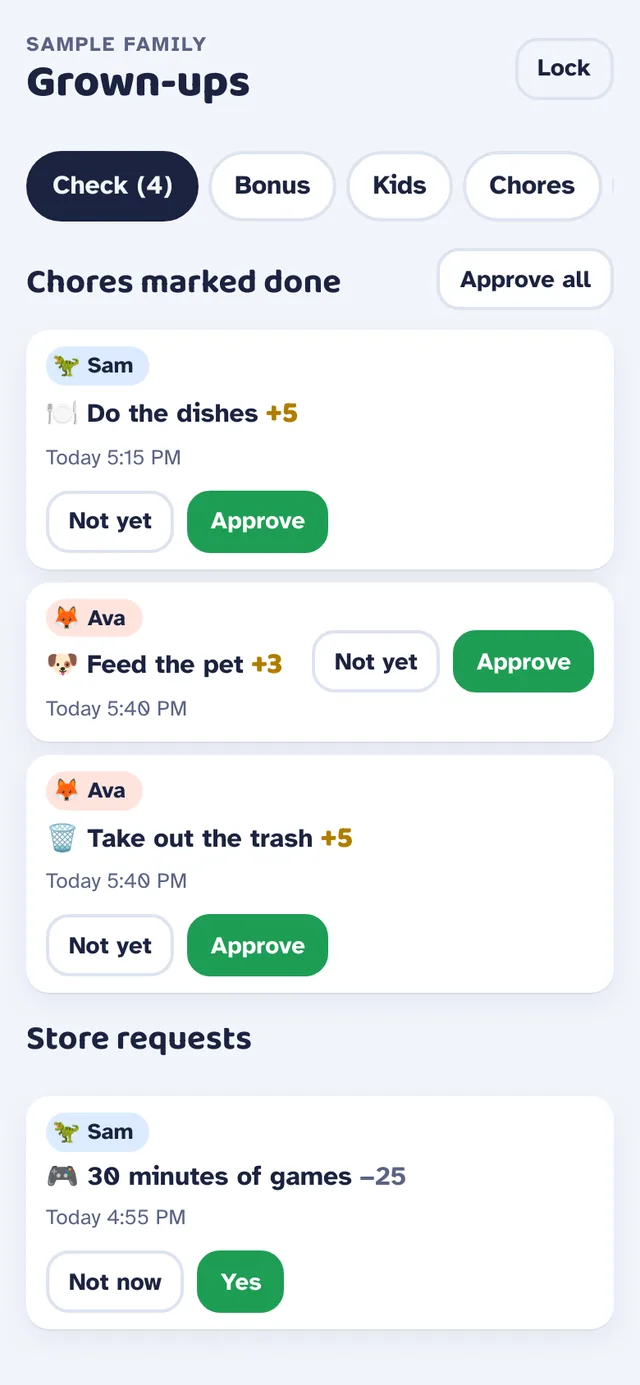
Chores to approve or send back, Approve all, and store requests to answer Yes or Not now.
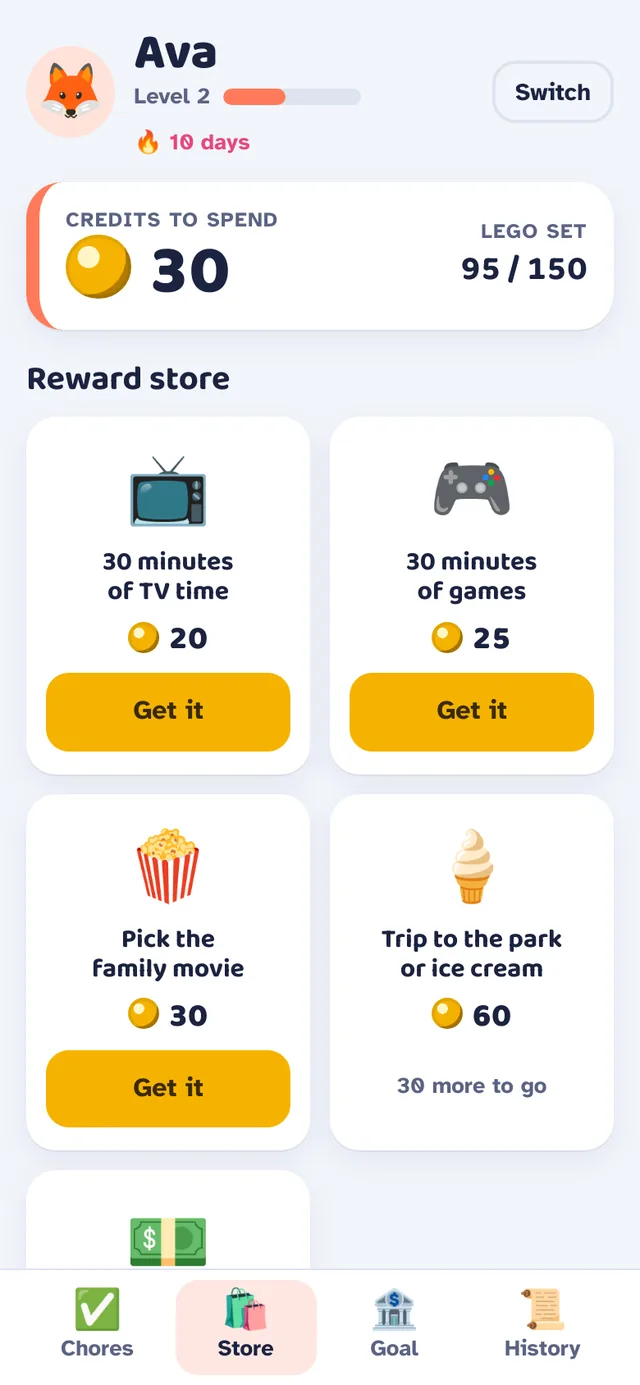
TV time, games, movie night or cash. Bigger rewards show exactly how many credits are left to earn.
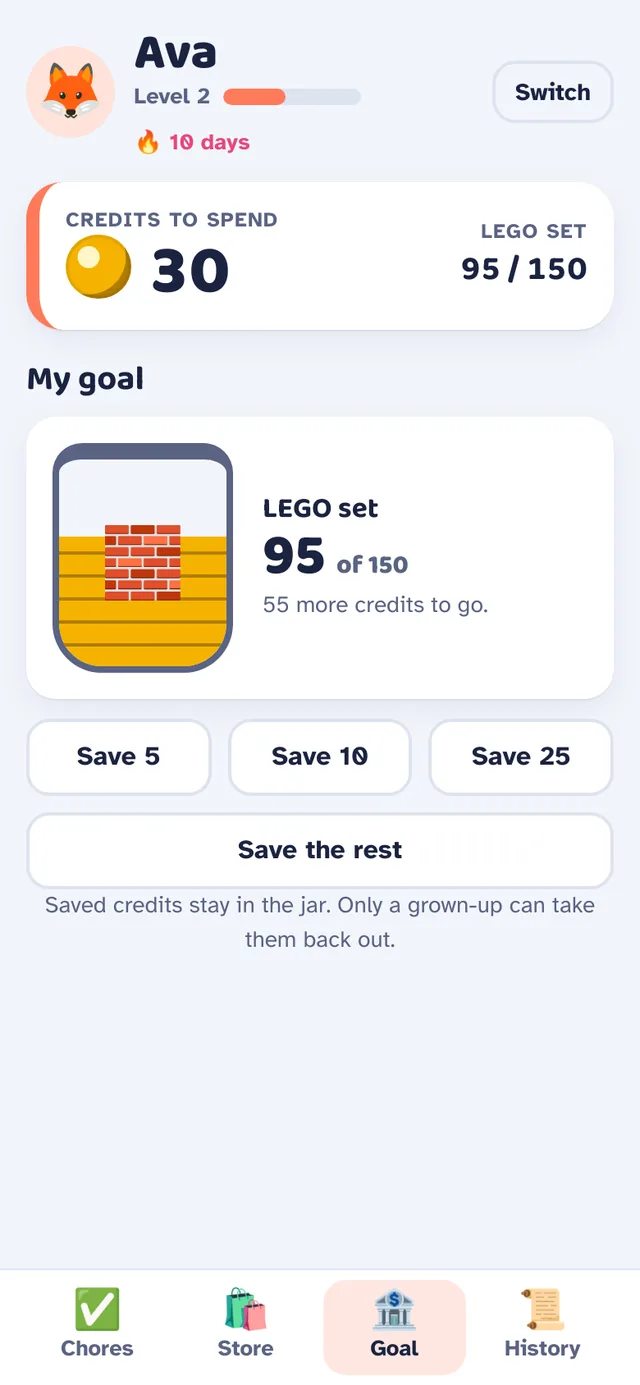
A jar fills toward a goal with quick save buttons, teaching patience one credit at a time.
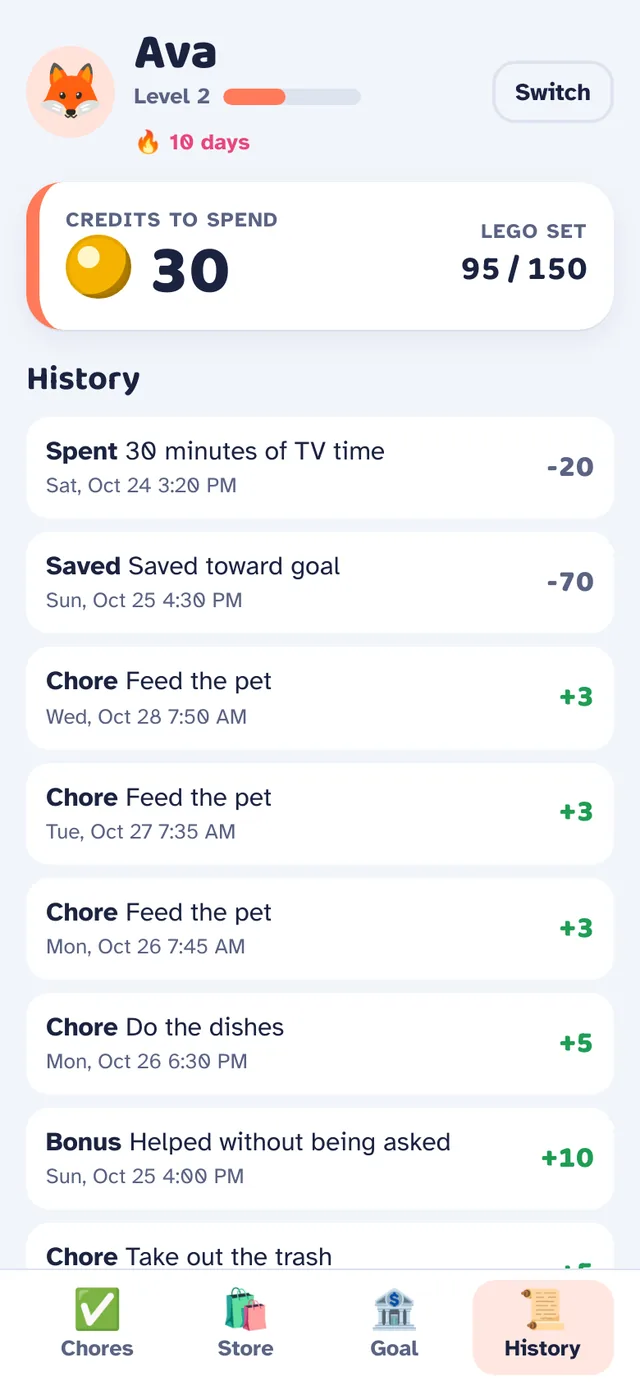
Chores, bonuses, savings and rewards, all in one history kids and grown-ups can read.
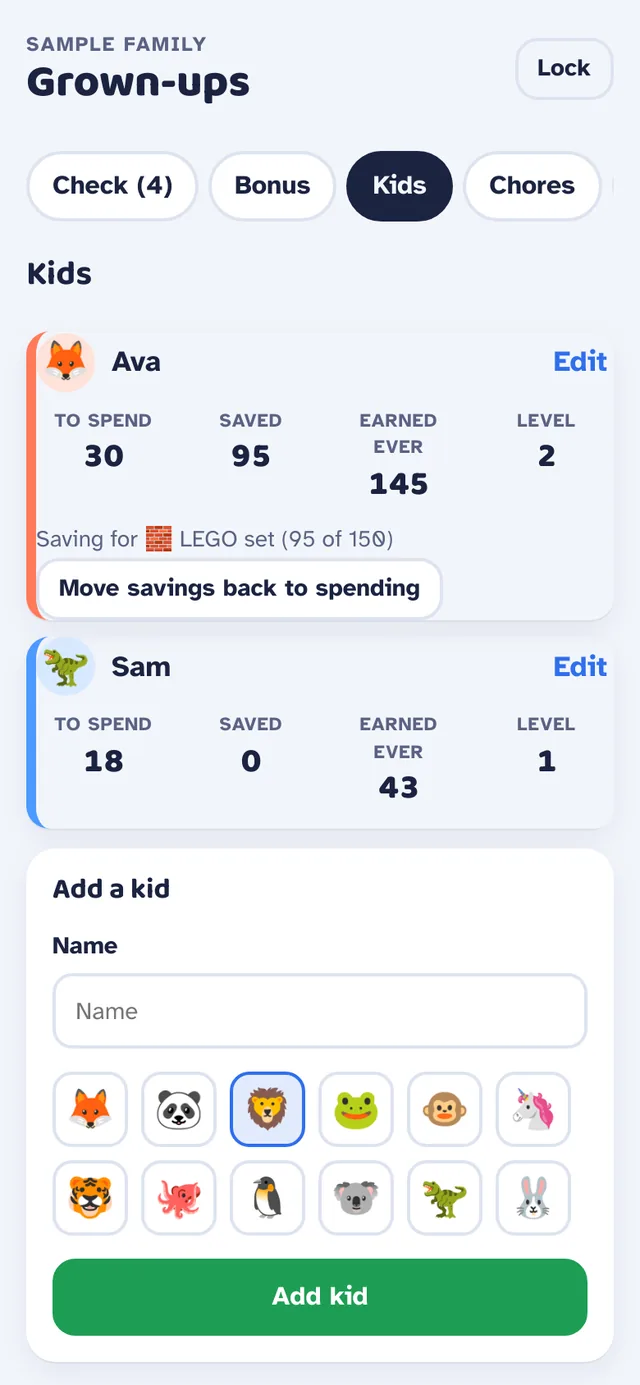
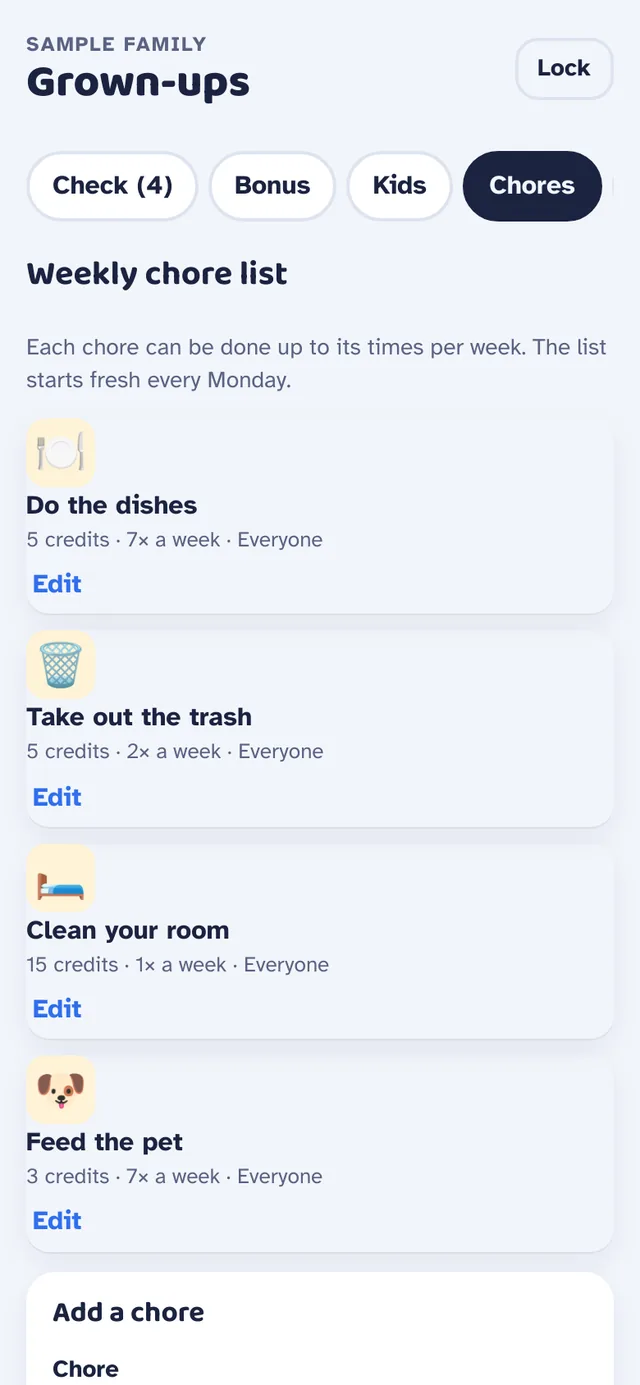
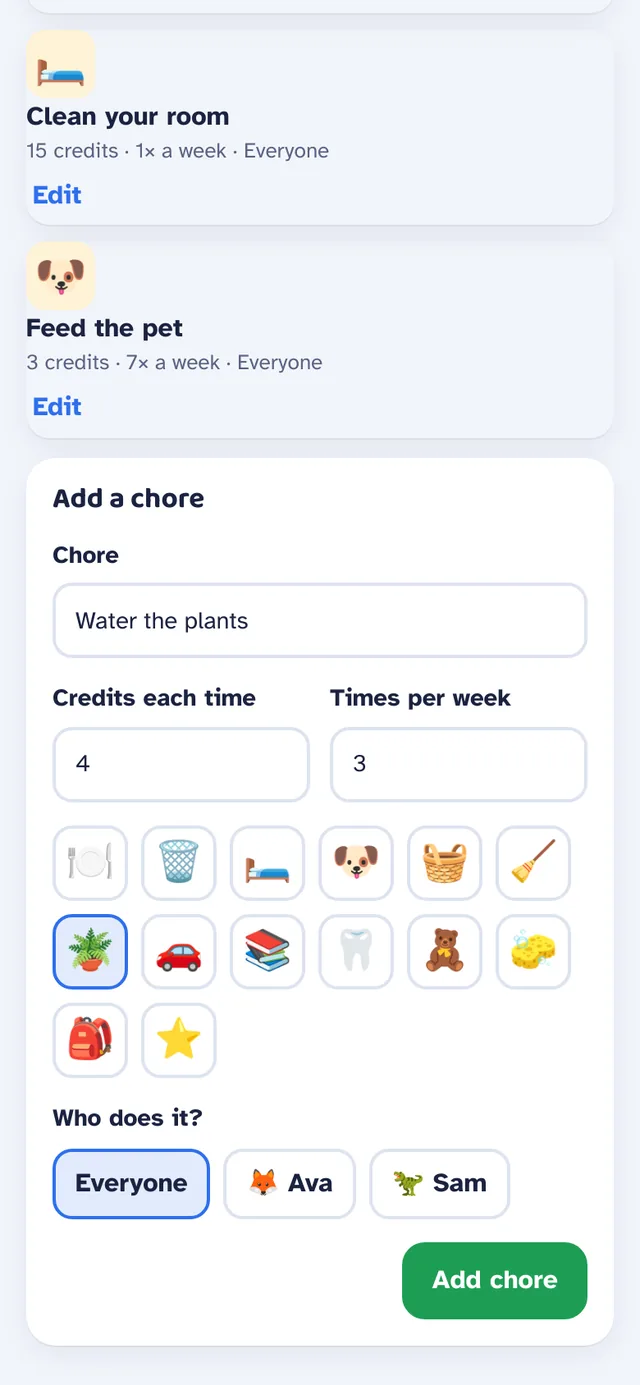
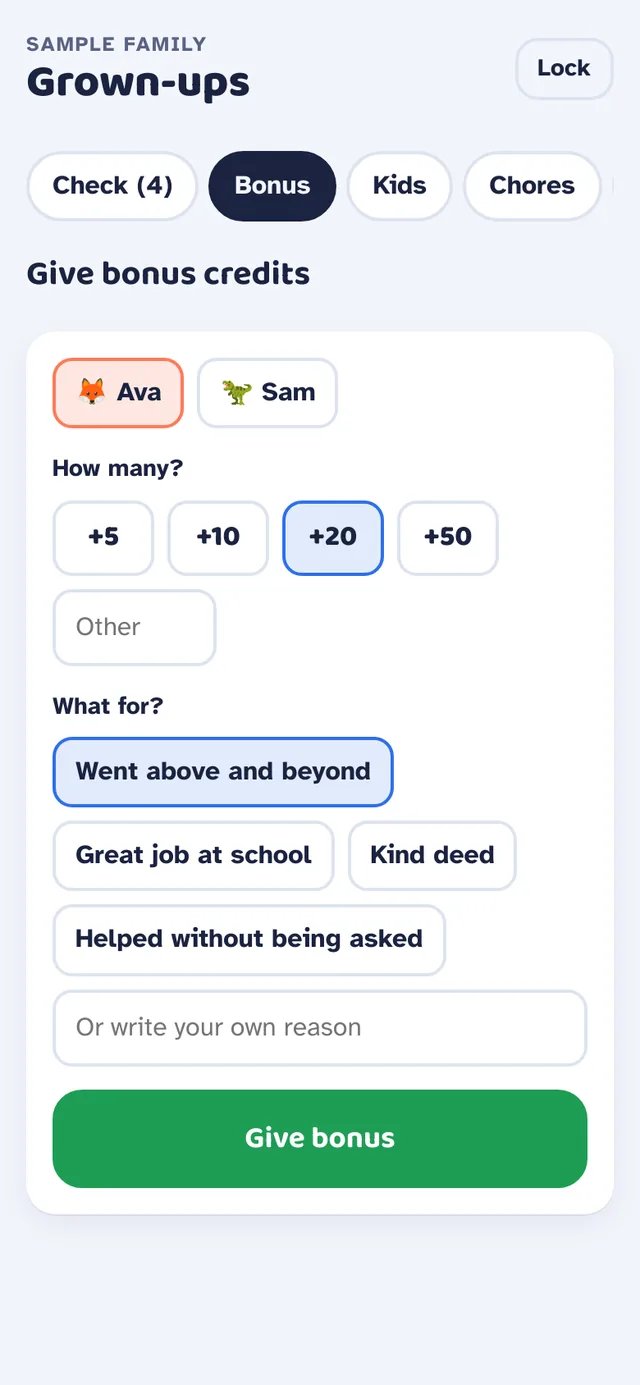
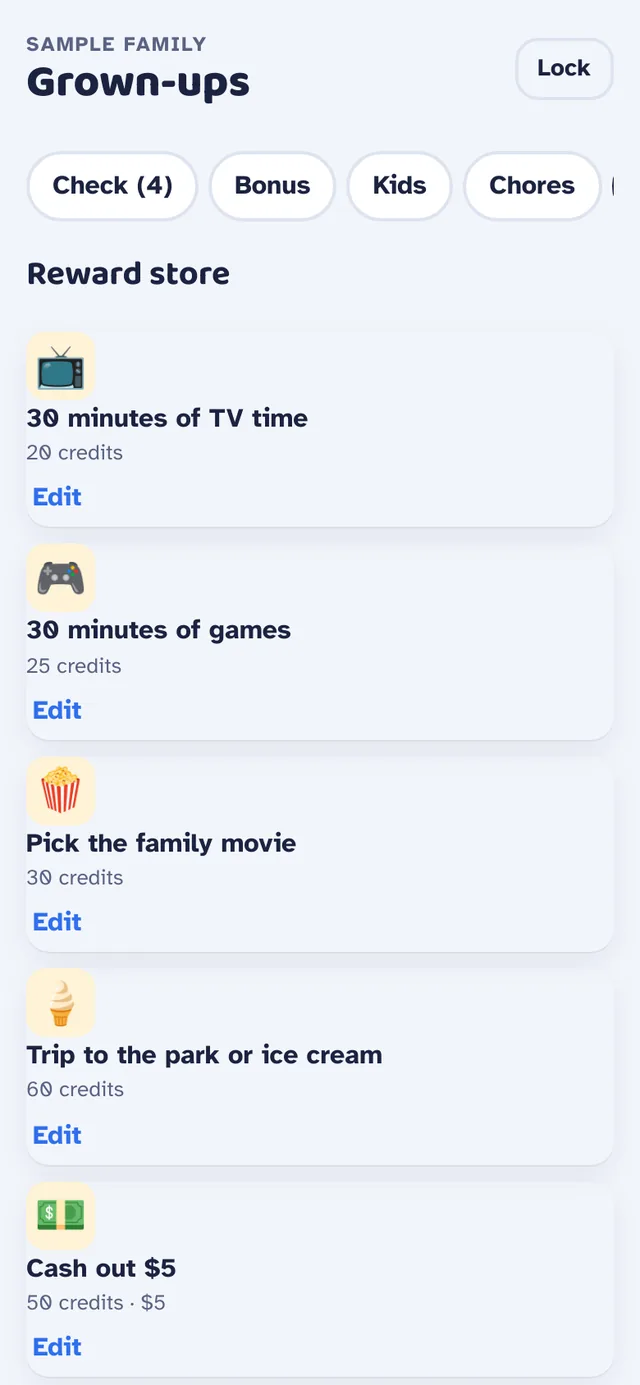
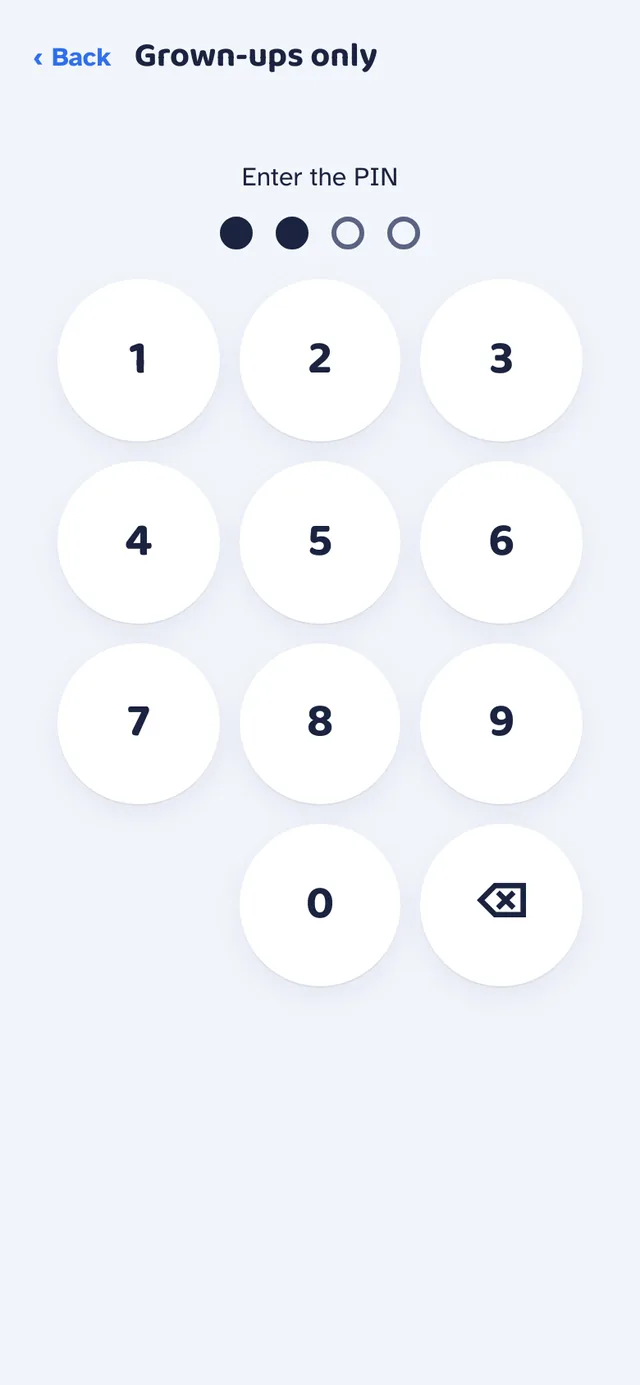
The client sent a blueprint and a voice note. Every stage since has been built to that plan.
A blueprint and a voice note turned into a clear build plan.
Chores, approvals and credits on one family tablet.
The reward store, the savings jar and cash-out tracking.
Add it to a home screen and it works without a connection.
Every device in the house kept in step through the cloud.
Grown-up accounts, and kids signing in with a picture.
The client family puts it through real weeks of chores before sign-off.
A heads-up when something waits for approval, with quiet hours, and a weekly summary for each kid. Later ideas include photo proof, chores on set days and smart-home cheers.
Built for a client family. Screens use the app's built-in sample family; names are made up.
That's enough to start. Send it over and get back a plan, a look and a working app.